
Kadence – Editing Background Images
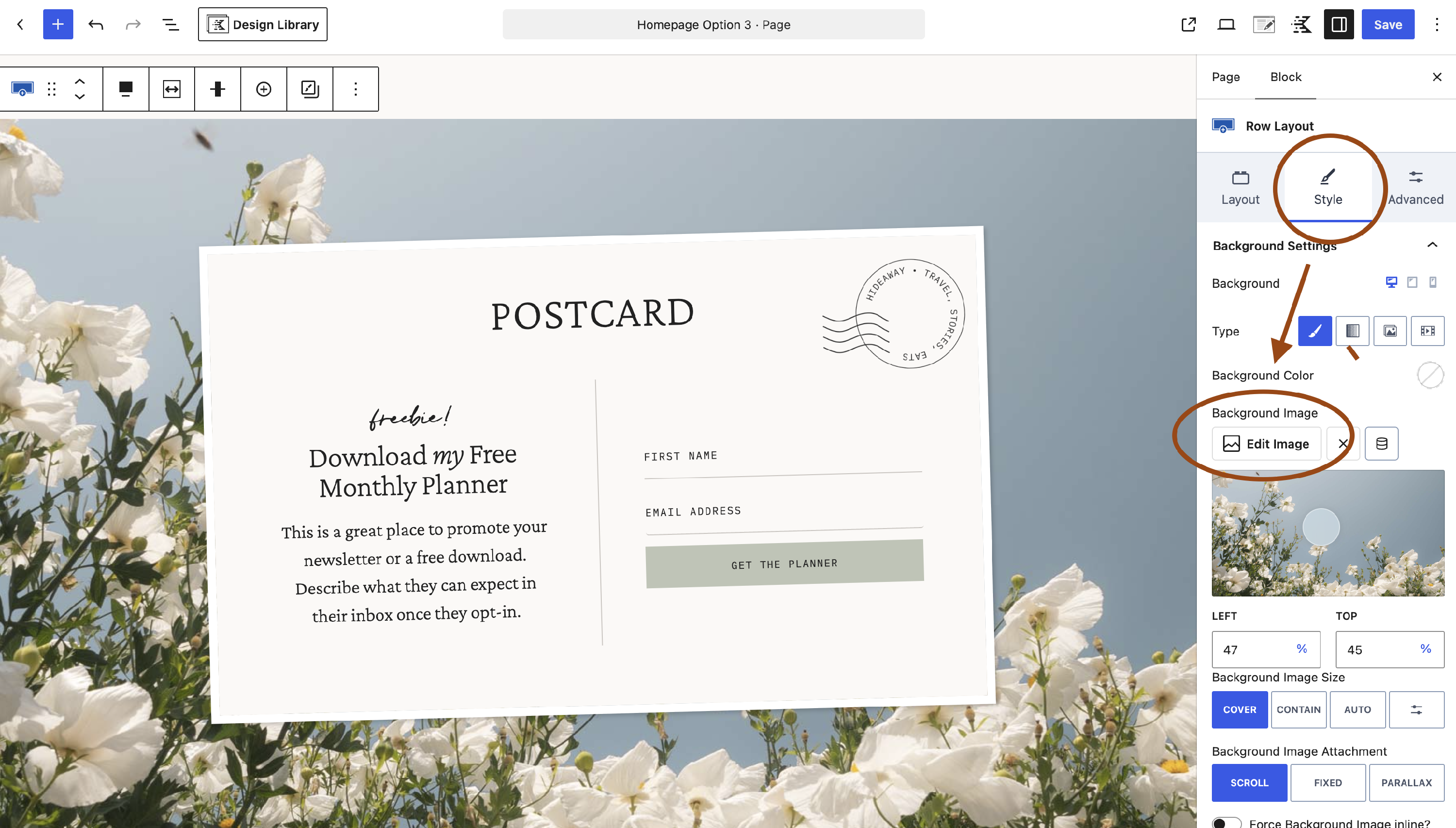
To change the background image of a row, simply click to select the Row block that has the background image you want to change.
In the block settings that appear on the right, click the Style tab.
Click the Edit Image button to open your media library.
Here you can select an image from your library or upload a new one!
To learn more about editing Row and Section blocks, check out this article!