
Tart – Header Gradient Background

The top row of the header in the Tart theme uses a gradient background. To adjust the gradient, or use a solid color instead, follow this guide!
- Navigate to Appearance > Customize > Header
-
In the header builder, click the settings toggle icon for the Top Row
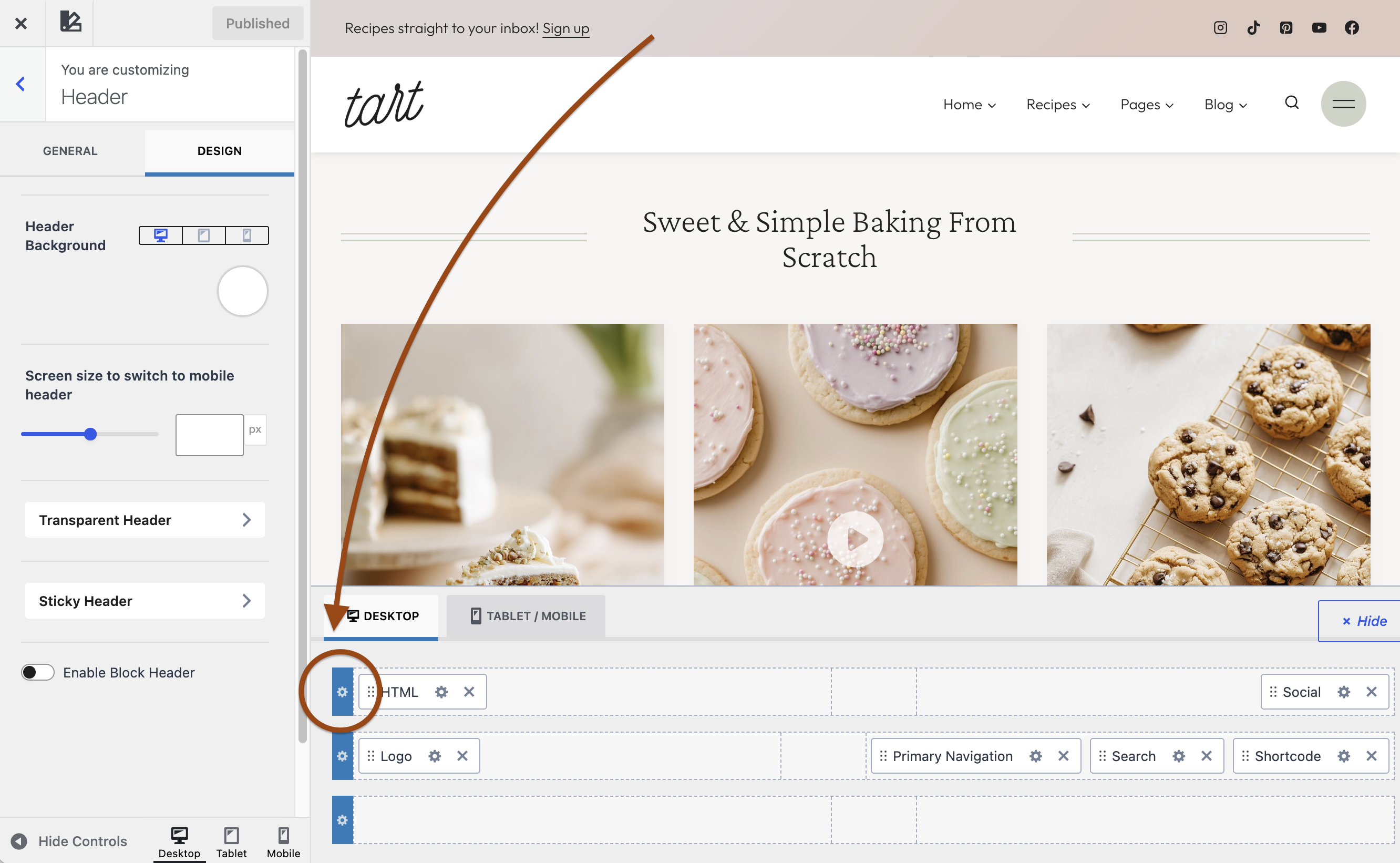
Top row settings toggle -
Click the circle with the gradient
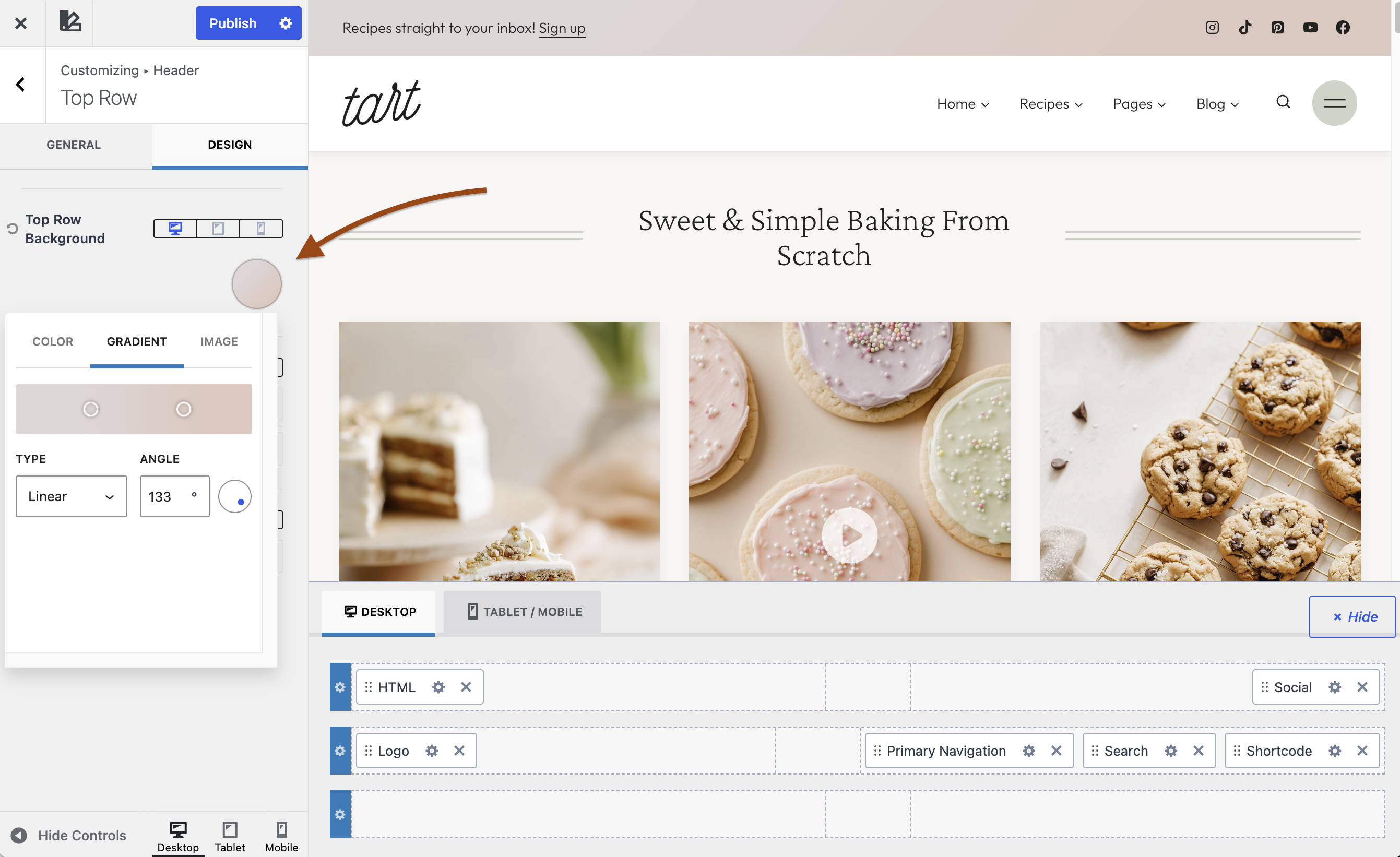
Gradient settings - Click the little circles to change the colors, and you can click + drag the circles to adjust the position. Underneath the color settings, you can also adjust the type of gradient and the angle.
Switching to a solid color
Still in the Top row design tab, click the "Solid" tab and adjust the color. This will give you one solid color instead of a gradient!
